AI assistant
Knowledge base from your website, FAQs and PDFs
The AI assistant answers only as well as its sources are clear. The Gosendly knowledge base gathers what you know about your store, from your website to your FAQs, from PDFs to your Shopify policies, and shows you what the assistant finds and which questions it couldn't answer.
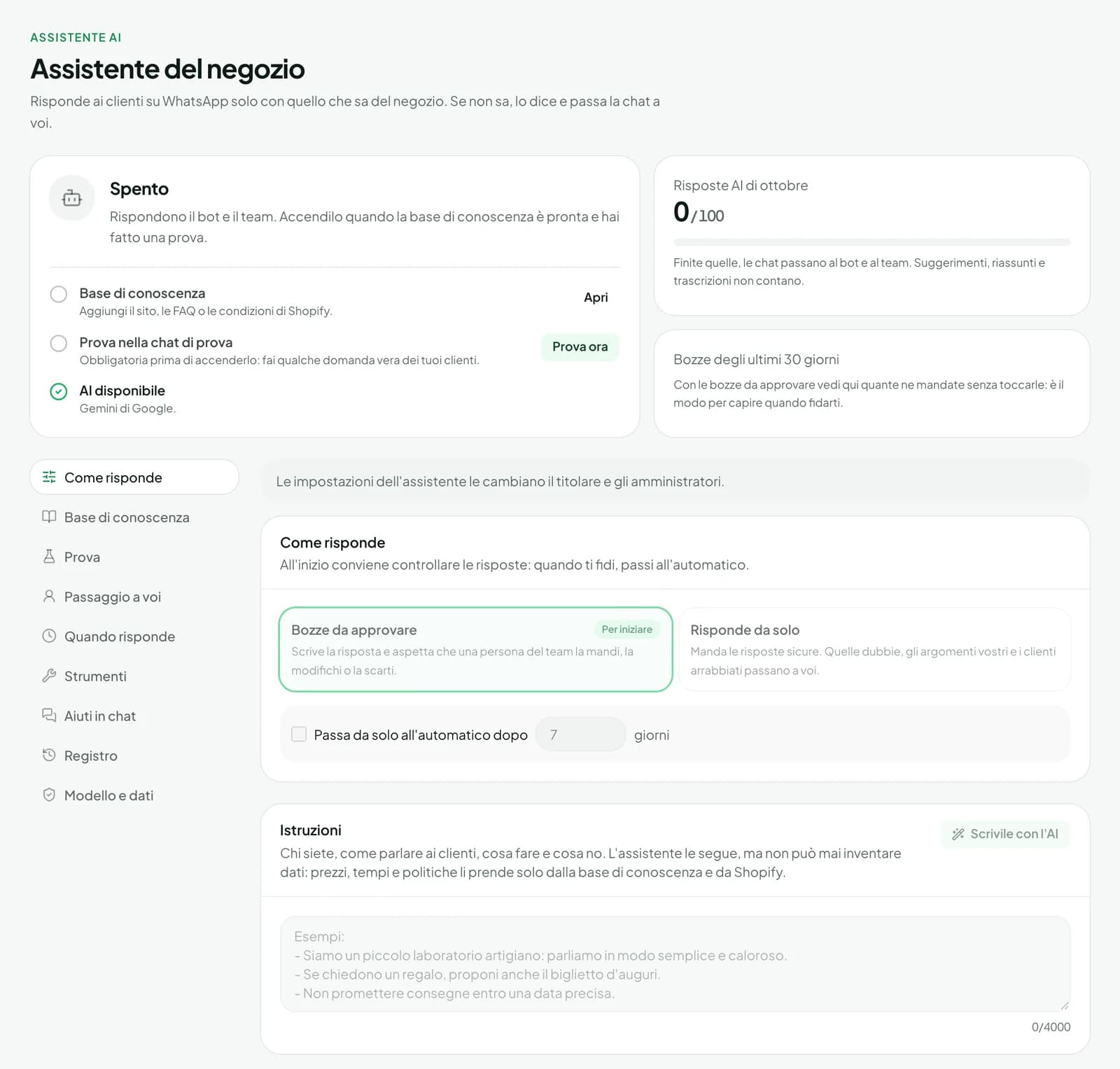
What you get
- It reads your website by itself, starting from the useful pages: shipping, returns, FAQs, about us.
- It rereads everything every day, week or month, so answers stay up to date.
- It takes prices and availability live from Shopify, never from an old copy.
- Unanswered questions go into a list: add the answer and from then on it knows it.
How it works
- 1
Add a source
In AI Assistant, “Knowledge base” tab, choose the type: whole website, a single page, questions and answers, a text, a file or Shopify.
- 2
Check what it has learned
For each source you see the first chunks as the assistant reads them when looking for an answer, and whether the reading succeeded.
- 3
Ask a test question
In “What the assistant finds”, type a question as a customer would, for example “can I exchange the size?”, and see which chunks it would take the answer from.
The sources you can use
Each type of source has its own use:
- Website: Gosendly reads the sitemap and starts from the useful pages, then blog and products, up to the number of pages you choose; it rereads it by itself every day, week or month.
- A single page: for example your shipping or returns page.
- Questions and answers: you write them one by one, or upload a CSV with the columns “domanda” (question) and “risposta” (answer).
- Text: written the way you'd explain it to a new colleague, for example a size guide.
- File: PDF, photos (JPG, PNG, WEBP), TXT, MD or CSV, up to 10 MB.
- Shopify: your store policies (shipping, returns, privacy, terms), reread every day, and the catalog with descriptions, materials and variants.
What to write, and what not to
Write your store rules the way you'd say them out loud: “We ship within 24-48 business hours of the order; personalized products ship in 5 days”. Avoid information that changes often, like prices and availability: with Shopify connected, the assistant always reads them live, not from the knowledge base.
If a rule only applies for a period, for example delivery times around Christmas, put it in a text with the period clearly stated and remove it when it ends.
The questions it couldn't answer
When the assistant can't find the answer, it tells the customer, hands the chat to your team, and the question goes into the “Questions it couldn't answer” list. Write the right answer, press “Add the answer” and next time it knows.
It's the fastest way to grow your knowledge base with your customers' real questions. Then try them in the test chat of the AI assistant before switching to automatic.
One knowledge base per assistant
A source can apply to all assistants or just one, with “This assistant only”: useful if you set up a different assistant for the sales season or Christmas. The same sources also power the “Reply with AI” steps in automations.
Frequently asked questions
Do I have to rewrite all my FAQs?
No. If your FAQs are already on your website, add the address of the site or page and Gosendly reads them. If you have them in a spreadsheet, upload them as a CSV with the columns “domanda” (question) and “risposta” (answer).
If I change my returns page, will the assistant notice?
Yes, if you choose to reread the source every day, week or month. Shopify policies are reread every day; for an urgent change you can edit the source and save it right away.
Can I upload my catalog as a PDF?
Yes, up to 10 MB. For prices and availability, though, connecting Shopify is better: the PDF stays as it is, while the Shopify catalog is read live.
Do the documents I upload stay private?
Yes, only your store's assistant sees them. Processing goes through Google's Gemini with the paid API, and your store's information doesn't train any model.
Keep reading
- FeaturesAI assistant that answers from your sourcesThe Gosendly AI assistant answers customers on WhatsApp using your store's information: shipping, returns, sizes, order status. If it doesn't know…Read
- FeaturesSuggested replies, summaries and translationsNot everyone wants an AI writing to their customers. Gosendly's chat helpers work for whoever is replying: they suggest three replies, summarize the…Read
- SolutionsReply after hours too, with AICustomers write in the evening, on Sundays, on public holidays. With Gosendly's after-hours auto replies, the AI assistant answers the questions it…Read
- IntegrationsGosendly for ShopifyShopify is Gosendly's direct integration: once your store is connected, orders, carts, shipments, customers and products come in on their own, with…Read
More features: AI assistant
Answers from your sources, suggestions and transcriptions.
- AI assistant that answers from your sourcesThe Gosendly AI assistant answers customers on WhatsApp using your store's information: shipping, returns, sizes, order status. If it doesn't know, it says so and hands the chat to your…Included in all paid plans
- Suggested replies, summaries and translationsNot everyone wants an AI writing to their customers. Gosendly's chat helpers work for whoever is replying: they suggest three replies, summarize the chat in three lines and translate…Included in all paid plans
- Voice message transcriptionA customer sends a two-minute voice message while you're at the register. With Gosendly voice message transcription, the voice message becomes text, with a one-line summary next to it: you…Included in all paid plans
Sign-ups open soon
Leave your email and we'll tell you when we launch: then you create your account and find a sample store full of data to try right away.
- We'll write to you once
- Every feature when we open
- Sample store already full of data