Sales
Payment links in chat
Your customer made up her mind in chat: she wants the bag in black, with her initials. With Gosendly's payment links in chat, you prepare the order in a few taps and send her a secure link: she pays with the methods already active in your store and you get notified.
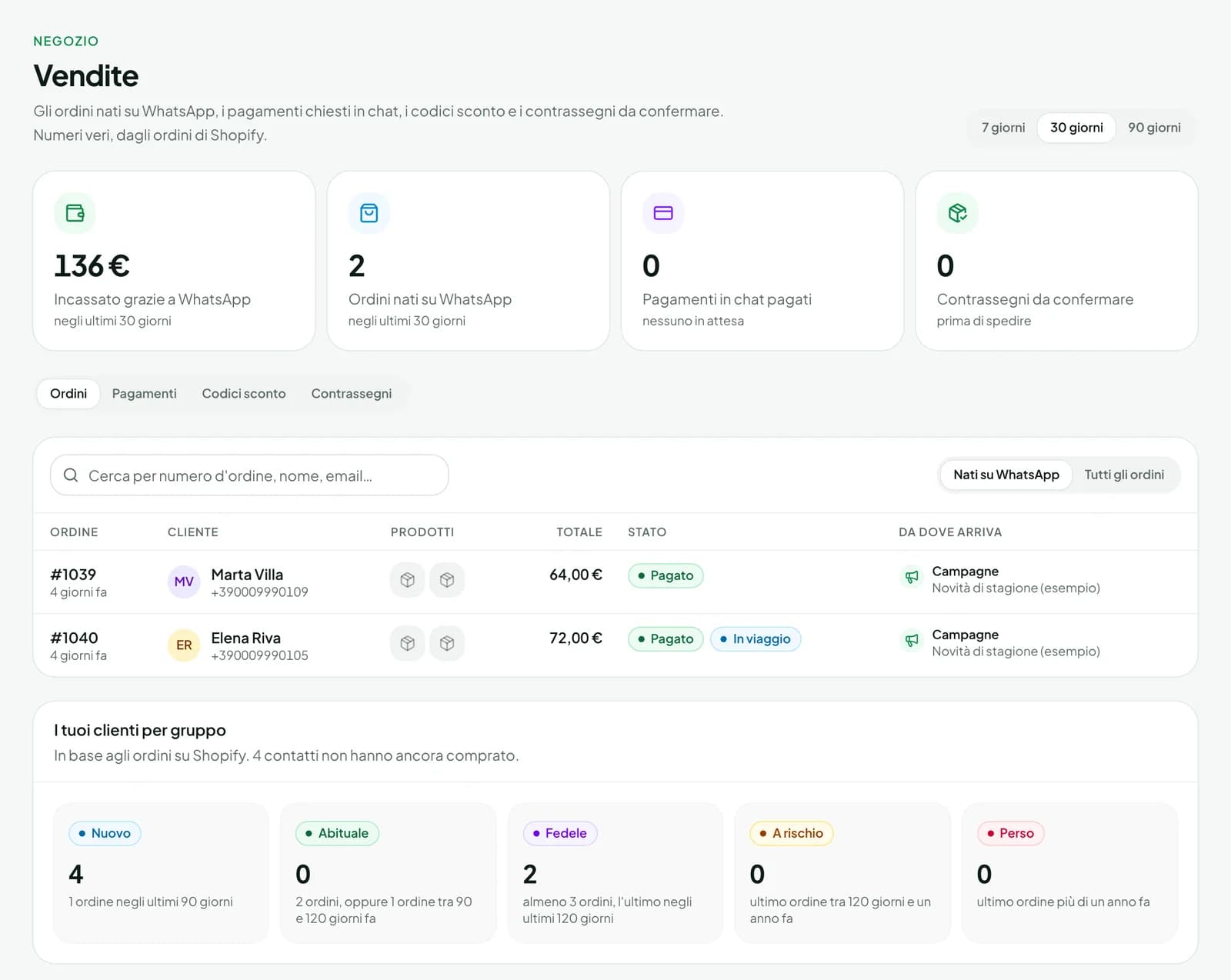
What you get
- Customers pay with the methods already active in your Shopify store, no extra accounts.
- Products from your catalog with variants and quantities, or a custom amount.
- We notify you when they pay, or if they still haven't paid after the time you choose.
- The sale always counts as one that started on WhatsApp.
How it works
- 1
Open the request from the chat
In the chat, tap “Attach or send more” and choose “Payment request”.
- 2
Choose what they pay for
With “From catalog” you search products by name and pick variant and quantity (out-of-stock items are marked); with “Custom amount” you write what they're paying for and how much, for example a personalized order.
- 3
Add a discount and a reminder
If you like, add a store code or a percentage or fixed euro discount, and choose “Notify me if they don't pay”: after 30 minutes, 1 hour, 3 hours or 1 day.
- 4
Send the link
With “Send the link in chat now” you write the message, check the preview and press “Create and send link”.
A real Shopify checkout
With Shopify connected, Gosendly creates a draft order with the chosen products and its secure checkout link. The customer enters their details, picks shipping and pays; the draft becomes a regular order, marked as paid, and Gosendly recognizes it automatically. Shopify calculates shipping and taxes at the time of payment.
You don't need to open new accounts or connect other payment systems: the ones your store already has are used.
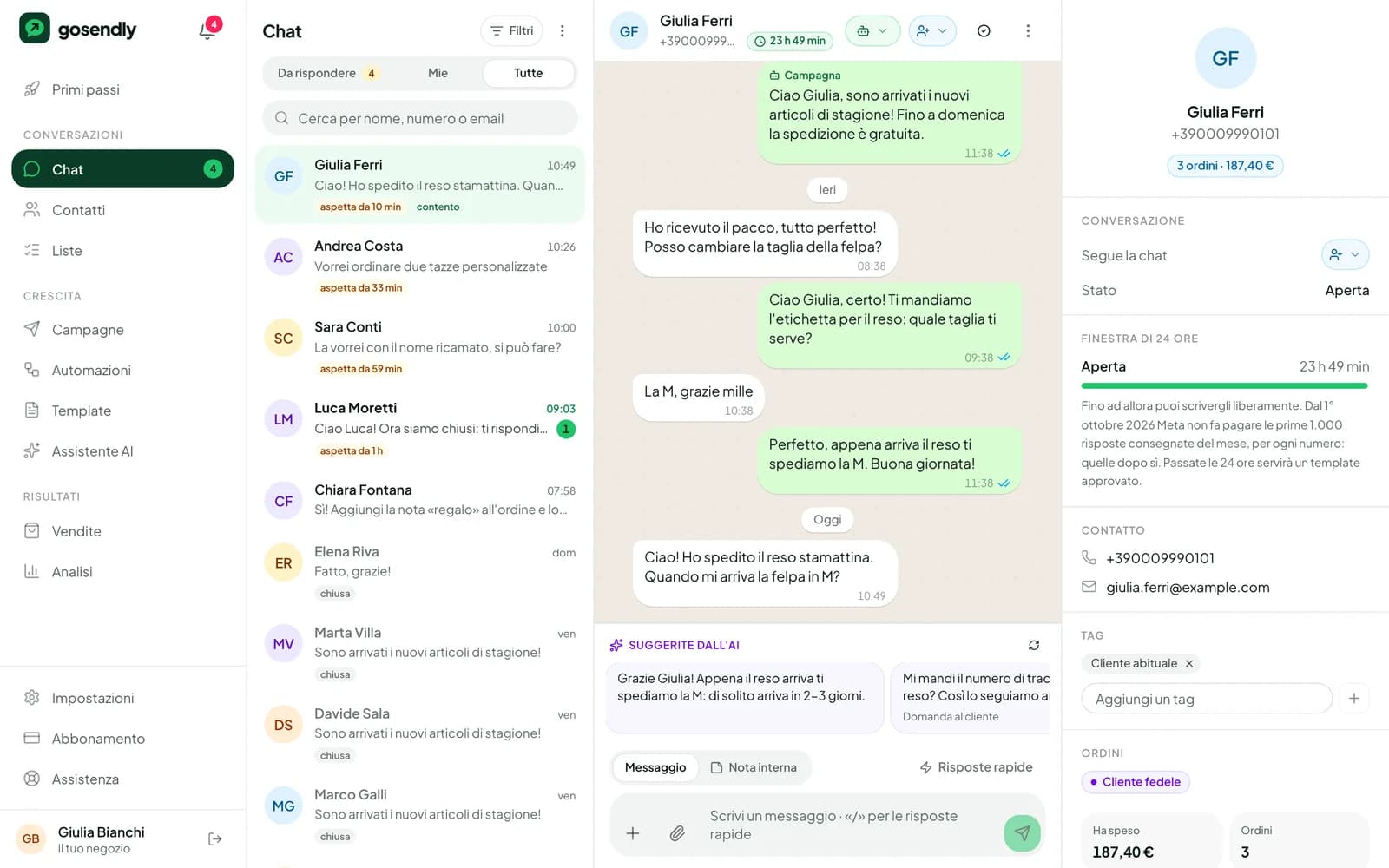
All payments in one list
In Sales, on the Payments tab, you find the links sent by your team, the AI assistant and your flows: unpaid, paid and expired. From there you resend the link in chat, mark it as paid or cancel the request. In Settings › Store and sales you decide how long to wait before notifying you if the customer doesn't pay, and when the link expires.
From flows and the assistant too
In automations, the “Payment link” step prepares a cart with the items from the last order, for reorders, or from the order that triggered the flow, even with a discount code: you use the link in the message with {link_pagamento}. If you turn it on, the AI assistant can also prepare the cart in chat and send the link.
A payment requested in chat always counts as a sale that started on WhatsApp in your analytics, whatever the attribution rule.
Frequently asked questions
Do I need Shopify to send a payment link?
No, but with Shopify it's automatic. Without Shopify you send your own payment link, for example PayPal.me, Satispay or your bank's transfer details, and mark it as paid when the money arrives.
Does Gosendly take a commission on payments?
No. The payment goes through your store and its payment methods; Gosendly charges no commission on sales, on any plan.
Can I include a personalization, like a name to embroider?
With “Custom amount” you describe exactly what the customer is paying for, for example “Black bag with initials A.B.”: the description reaches the customer together with the link.
Which plan includes it?
Payment links in chat are included in all paid plans, from €59 per month excluding VAT, together with campaigns and sales analytics.
Keep reading
- SolutionsSell on WhatsApp, from question to paymentThe customer asks if their size is in stock, if it can be personalized, how much shipping costs. To sell on WhatsApp with Gosendly, you answer in…Read
- FeaturesUnique discount codes per customerA code that's the same for everyone ends up on coupon sites within a day. With Gosendly's unique discount codes, each customer gets their own…Read
- FeaturesAnalytics: how much you sell thanks to WhatsAppDoes WhatsApp bring in sales, or just extra work? Gosendly's sales analytics answers with your store's real orders: how much revenue you made thanks…Read
- IntegrationsGosendly for ShopifyShopify is Gosendly's direct integration: once your store is connected, orders, carts, shipments, customers and products come in on their own, with…Read
- IndustriesWhatsApp for personalized productsEvery personalized order needs something from the customer and their "yes" before it goes into production. With WhatsApp for personalized products…Read
More features: Sales
Carts, orders, cash on delivery and payment links.
- Abandoned cart recovery on WhatsAppA customer puts a jacket in the cart, reaches checkout and then gets distracted. With Gosendly's WhatsApp abandoned cart recovery, they get a reminder with a link to their cart, still…Included in all paid plans
- Order confirmation, shipping and delivery on WhatsApp“Where's my package?” is the question online stores get most often. With Gosendly's WhatsApp order notifications, customers receive the confirmation, the shipping update with the carrier's…Included in all paid plans
- Cash on delivery order confirmationA cash on delivery package refused at the door costs you two shipments and a return. With Gosendly's cash on delivery order confirmation, you ask the customer on WhatsApp to confirm before…Included in all paid plans
- Unique discount codes per customerA code that's the same for everyone ends up on coupon sites within a day. With Gosendly's unique discount codes, each customer gets their own, created on Shopify on the spot, with the…Included in all paid plans
Sources
- Shopify: creating draft orders(opens in a new tab)Read on October 28, 2026
- Shopify: sending a draft order invoice(opens in a new tab)Read on October 28, 2026
Sign-ups open soon
Leave your email and we'll tell you when we launch: then you create your account and find a sample store full of data to try right away.
- We'll write to you once
- Every feature when we open
- Sample store already full of data